What is going on with this Pixel Watch sensor permissions error?


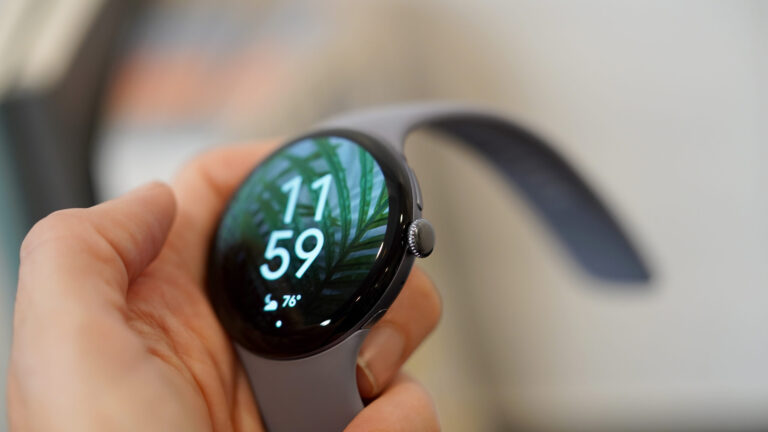
The Pixel Watch 4 features an improved display design with shrunken bezels.

Kaitlyn Cimino / Android Authority

TL;DR

  • Pixel Watch users are running into a frustrating message about access to device sensors.
  • Users claim that even with all permissions granted, they can’t get this screen to go away.
  • Even a full factory reset doesn’t seem to resolve the underlying problem.

Your humble smartwatch, modern marvel that it is, is packed to the brim with sensors capable of measuring what’s going on with you and the world around you, detecting movement, pulse rate, oxygen saturation, and so much more. But for that data to be any use, it actually needs to get to the apps that crunch it down. Unfortunately, an unexpected problem has been getting in the way of that for some Pixel Watch users with Google Health.

Over on Reddit’s Pixel Watch sub, a thread got started over the weekend detailing a permissions-required error message users seem unable to comply with, with the Fitbit logo up top. Despite seeing the message requesting access to sensor data, users report that they appear to have all necessary permissions enabled, leaving them scratching their heads.

reddit pixel watch health sensor permissions

Odder still, some claim they’re seeing this screen despite clearly still having sensor-gathered data in the Health app, making them think the message itself could be in error. Others don’t have so much luck, and share that their data’s no longer being collected.

Are you having any Google Health permissions problems on your Pixel Watch?

4 votes

So far, no one appears to have figured out a way to resolve this situation, and affected users report that it persists even after a full factory reset. It doesn’t seem to have been around for much more than the past few weeks, leading to suspicions that a recent Google Health update could be at the core of this behavior.

We’ve reached out to Google to see if the company is aware of this issue, has any advice for users impacted by it, or any word about a permanent fix. We’ll update you with anything we hear back.

Thank you for being part of our community. Read our Comment Policy before posting.


Source link